
MARCH SKILLS SALE
Pay upfront and SAVE 15% until 31 March 2026. Enrol now!

Microsoft Powerpoint Training
In this course, you will learn how to add and layout slides to create simple to advanced presentations; know how to organize your presentation into sections and move and hide slides; adjust slide layouts and organize slides within your presentation; and deliver a presentation using pointers, timer, & presenter notes.
Increase your productivity and use MS Powerpoint to your advantage. Get instant access to hundreds of tutorials, samples and detailed class manuals written in Australia. Enrol anytime and study at a pace that suits you with 12 months of access.
Note: This course is designed for Microsoft Office 2016. Learners must have this version installed before starting the course, as it is no longer available from Microsoft.

-
Online Learning
-
60 Part course
-
6 CPD hours
-
Instant access, start NOW!
Online Learning
Start any time and study at your own pace
$85 RRP $99
Affordable and convenient
Log in at any time to access the course material, so you can study the course at a time that fits in with your lifestyle or other commitments.
Instructor-demonstrated video tutorials. Pause, rewind and re-watch as many times as you need to assist your learning.
Electronic manual included, plus 12 months unlimited access to course material.
Follow along with the sample exercises provided.
6 CPD hours per course
Training manual and comprehensive resources included with course
Students will have 12 months' unlimited access to the electronic course materials. The online learning materials are packed full of high-quality content, step-by-step instructions with plenty of visuals and practice exercises offering exceptional value to the participant and valuable knowledge that can be accessed again and again.
- Microsoft PowerPoint 2016 course manual
- Handy Tips guide (key tips and tricks for using PowerPoint 2016)
- Quick Reference Guide
Corporate Pack 20 User Access
Enrol staff into 20 online courses
$1240
Upskill your team to match your business needs
Courses in Excel, Word, PowerPoint, Project, Access & Outlook
With our Corporate Training Package, you will receive a-20 user licence for your staff to get instant access to our online Microsoft courses. Browse our course menu and then enrol staff in the course they need for immediate access to comprehensive online learning materials, video tutorials and a Certificate of Participation on completion of the course.
Easy to use:
- Order and pay upfront.
- Receive an email with 20 enrolment coupons and steps to enrol your staff.
- Choose any single Microsoft course your staff require.
- Coupons valid for 12 months.
- When a coupon is activated the student has 12 months to complete the course.
- Get instant access to online courses!

PowerPoint Course Details
Complete Microsoft Online Course Bundle - 10 Courses
Save almost 50% off RRP
Over 50 hours on-demand tutorials
Detailed training manuals e-book
Access anytime
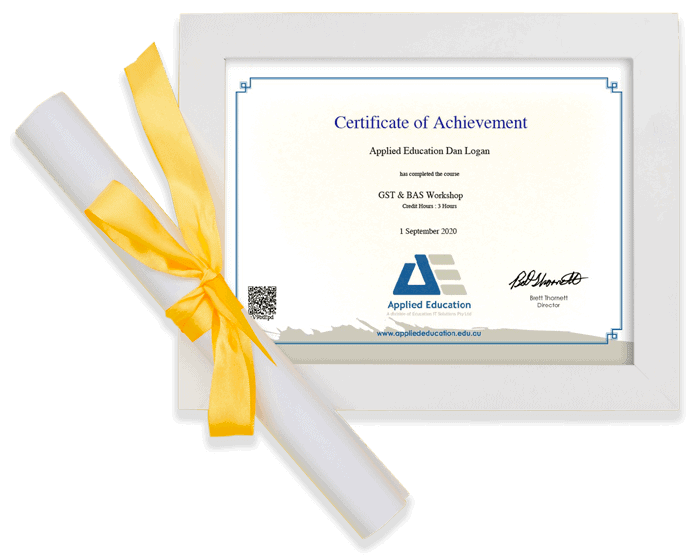
Certificates of completion
All our Microsoft Online Learning - Excel, Word, PowerPoint, Project, Access & Outlook